

Security Plugins for WordPress is no longer optional, even for small blogs or portfolio websites. A hacked WordPress site rarely gives warnings before damage starts. One weak plugin, a reused password, or an outdated theme can expose your entire website within minutes. That is why installing the right
Many WordPress users believe hackers only target large websites. In reality, automated bots scan thousands of sites every hour looking for easy vulnerabilities. Once attackers gain access, they can inject malware, redirect visitors, steal customer data, or completely destroy your SEO rankings.
The good news is that modern WordPress security plugins can stop most common attacks before they become serious problems.
This guide covers the best WordPress security plugins you should install in 2026, what each one does best, and how to avoid the mistakes that leave websites exposed.
Why Security Plugins for WordPress Matter More Than Ever
WordPress powers millions of websites, which also makes it the biggest target for automated attacks. Most infections happen because of:
- Outdated plugins
- Weak admin passwords
- Vulnerable themes
- Poor hosting security
- Fake nulled plugins
- Exposed login pages
- Missing firewalls
Even a clean-looking website can already be infected without obvious symptoms.
Some users only notice a problem after:
- Google displays “This site may be hacked”
- Traffic suddenly drops
- Hosting suspends the account
- Spam pages appear in search results
- Visitors get malware warnings
Installing proper security protection early is far easier than recovering a compromised site later.
According to WordPress.org, keeping plugins updated and using trusted security tools are among the most important ways to protect WordPress websites.
What a Good WordPress Security Plugin Should Include
Not every plugin provides complete protection. Some only scan files, while others focus on firewall protection or login security.
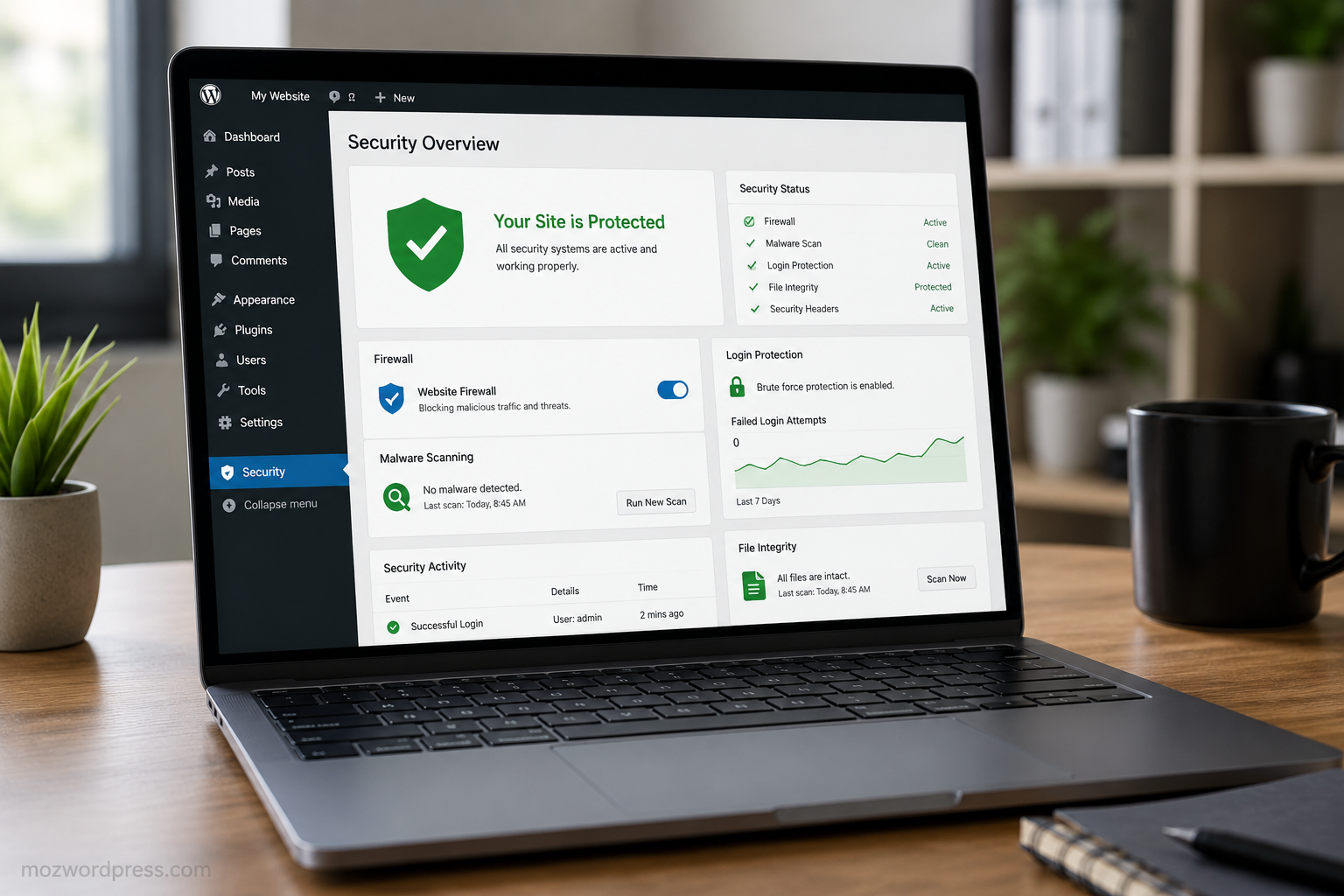
The best Security Plugins for WordPress usually include:
- Malware scanning
- Login protection
- Firewall filtering
- File integrity monitoring
- Brute-force attack prevention
- Security activity logs
- Bot blocking
- Two-factor authentication
- Database protection
- Vulnerability alerts
You do not always need every feature from a single plugin, but you should cover the major attack vectors.
1. Wordfence Security
Wordfence remains one of the most trusted WordPress security plugins for a reason.
It combines:
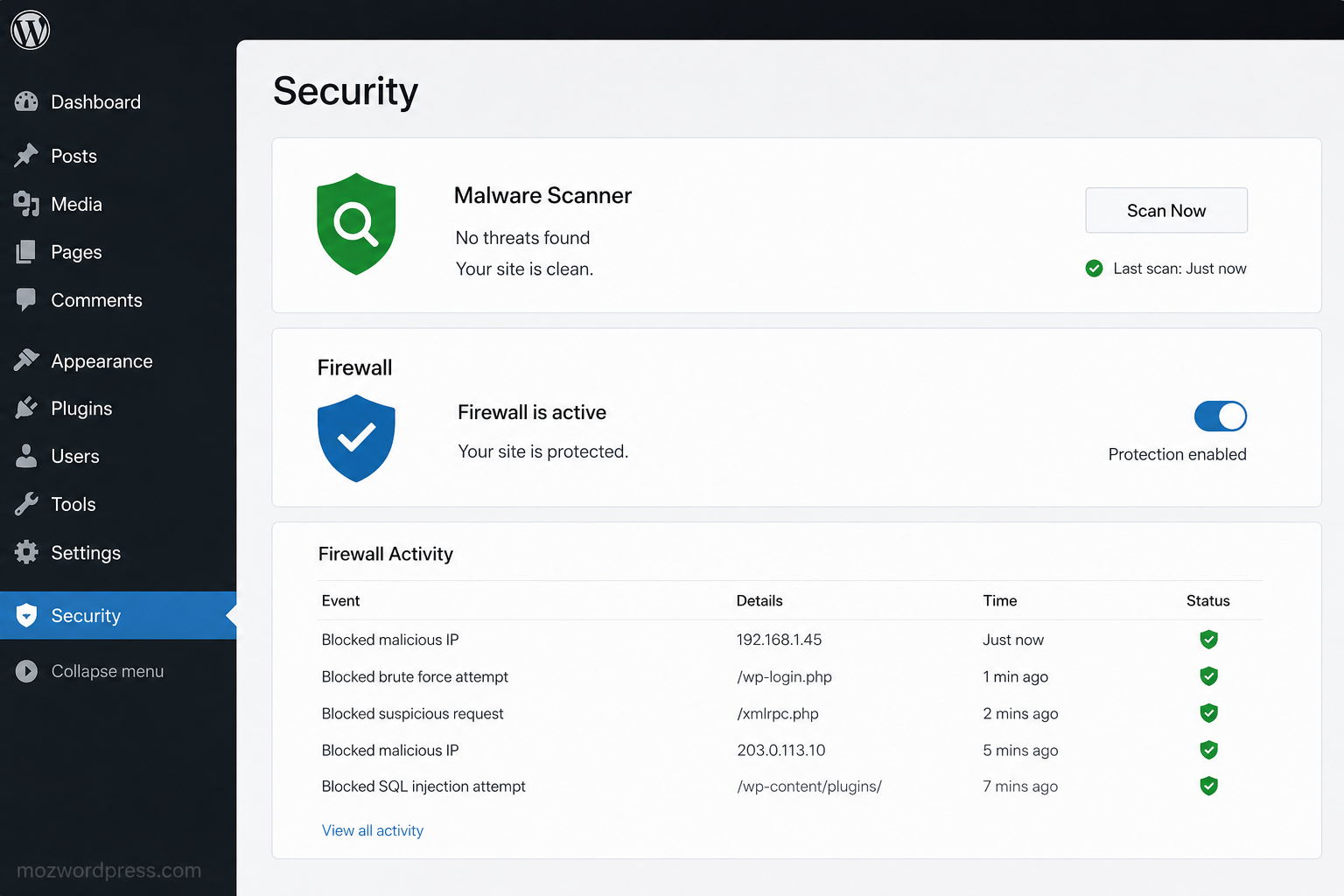
- Real-time firewall protection
- Malware scanning
- Login security
- Live traffic monitoring
- Country blocking
- Two-factor authentication
The firewall blocks suspicious traffic before it reaches WordPress core files, which significantly reduces risk.
One major advantage is visibility. Beginners can clearly see:
- Failed login attempts
- Blocked IPs
- Malware warnings
- Suspicious plugin activity
For many website owners, Wordfence alone provides enough protection when combined with good hosting.
Best For
- Blogs
- Business websites
- WooCommerce stores
- Beginners who want all-in-one protection
Important Tip
Do not install multiple firewall plugins together. Running overlapping security systems can slow your site and create conflicts.
2. Solid Security (Formerly iThemes Security)
Solid Security focuses heavily on hardening WordPress installations.
It includes:
- Login protection
- Database backups
- File change detection
- Security hardening
- User action logging
- Brute-force protection
One feature many users appreciate is the guided setup wizard. It helps beginners secure common vulnerabilities without manually editing configuration files.
The plugin also disables dangerous WordPress behaviors often abused by attackers.
Best For
- Freelancers
- Agency websites
- Multi-user WordPress installations
3. Sucuri Security
Sucuri is widely respected in professional WordPress security circles.
Unlike lightweight plugins, Sucuri offers:
- Cloud firewall protection
- Malware cleanup services
- Blacklist monitoring
- Security audits
- DDoS mitigation
Its cloud firewall filters malicious traffic before requests even reach your hosting server.
This is especially useful for:
- High-traffic websites
- eCommerce stores
- Membership websites
- Sites targeted by repeated attacks
Why Many Developers Prefer It
Sucuri reduces server load because filtering happens externally instead of inside WordPress itself.
That can improve performance while increasing protection.
4. All In One WP Security & Firewall
This plugin is popular among users looking for free protection without complicated settings.
Features include:
- Login lockdown
- Spam prevention
- Firewall rules
- Database security
- User account monitoring
The interface uses a grading system that helps beginners understand their current security level.
It may not be as advanced as premium enterprise tools, but it provides strong protection for many small websites.
Best For
- Personal blogs
- Small businesses
- Beginners on shared hosting
5. MalCare Security
MalCare stands out because scans happen on external servers instead of consuming your hosting resources.
That means:
- Faster scans
- Lower CPU usage
- Reduced hosting strain
It also offers one-click malware removal, which can save hours during emergencies.
Many cheap security plugins detect malware but leave users to clean infections manually. MalCare simplifies recovery.
Best For
- WooCommerce websites
- Resource-limited hosting
- Users who want automatic cleanup
Security Plugins for WordPress Are Not Enough Alone
One of the biggest misconceptions in WordPress security is believing plugins alone solve everything.
Even the best Security Plugins for WordPress cannot fully protect a site if you ignore basic security practices.
You Still Need to:
Use Strong Passwords
Avoid passwords like:
- admin123
- password
- companyname2026
Use password managers whenever possible.
Keep Themes and Plugins Updated
Outdated software remains one of the biggest infection sources.
Delete unused plugins completely instead of merely deactivating them.
Avoid Nulled Themes and Plugins
Free premium plugins from random websites often contain hidden malware.
Many infected websites originate from fake GPL download pages.
Choose Reliable Hosting
Weak hosting environments expose websites even with strong security plugins installed.
Managed WordPress hosting providers usually include:
- Server firewalls
- Malware monitoring
- Daily backups
- Isolated accounts
Best Security Plugin Combination for Most Sites
Installing too many security plugins can create conflicts and slow down your site.
A balanced setup works better.
Recommended Setup
Option 1 — Simple Protection
- Wordfence
- Cloudflare firewall
- UpdraftPlus backups
Option 2 — Performance Focused
- Sucuri
- Lightweight security hardening plugin
- External backup system
Option 3 — Beginner Friendly
- All In One WP Security
- Login protection plugin
- Daily backups
The key is consistency, not plugin quantity.
Common Security Mistakes WordPress Users Make
Even experienced users sometimes overlook critical issues.
Using “admin” as Username
Attackers always test common usernames first.
Create unique administrator usernames whenever possible.
Ignoring Backup Systems
Security without backups is incomplete.
If ransomware or corruption happens, backups may be the only recovery path.
Delaying Updates
Waiting months to update plugins creates unnecessary exposure.
Many attacks target vulnerabilities already patched publicly.
Installing Too Many Plugins
More plugins mean:
- More potential vulnerabilities
- More conflicts
- More maintenance
Keep only what your website truly needs.
How to Know If Your WordPress Site Is Already Infected
Some warning signs include:
- Unexpected redirects
- Strange ads appearing
- Slow admin dashboard
- Unknown admin users
- Hosting suspension emails
- Google Safe Browsing warnings
- Sudden SEO ranking loss
If you notice these symptoms, scan your website immediately using trusted security tools.
You can also check Google Safe Browsing status using Google Transparency Report.
Final Thoughts on Security Plugins for WordPress
Website security is much cheaper than website recovery.
Most WordPress hacks happen because basic protection was ignored for too long. Installing reliable Security Plugins for WordPress dramatically lowers your risk and gives you time to react before small issues become disasters.
For most users, starting with a trusted firewall, malware scanner, strong passwords, and regular backups already provides solid protection.
Do not wait until your site is hacked before taking WordPress security seriously.

