


Must-have WordPress plugins for beginners 11 Essential Plugins to Launch a Fast, Secure Site in 2026
Starting a WordPress site without the right foundation is where most beginners lose time, traffic, and confidence. The truth is simple: WordPress is powerful, but it depends heavily on plugins to unlock its real potential.
The must-have WordPress plugins for beginners are not about installing everything available. It’s about choosing a small, strategic stack that handles security, performance, SEO, backups, and usability without slowing your site down or creating conflicts.
If you set this up correctly from day one, you avoid 80% of the common WordPress problems people struggle with later.
Let’s go straight into what actually matters in a real production site.
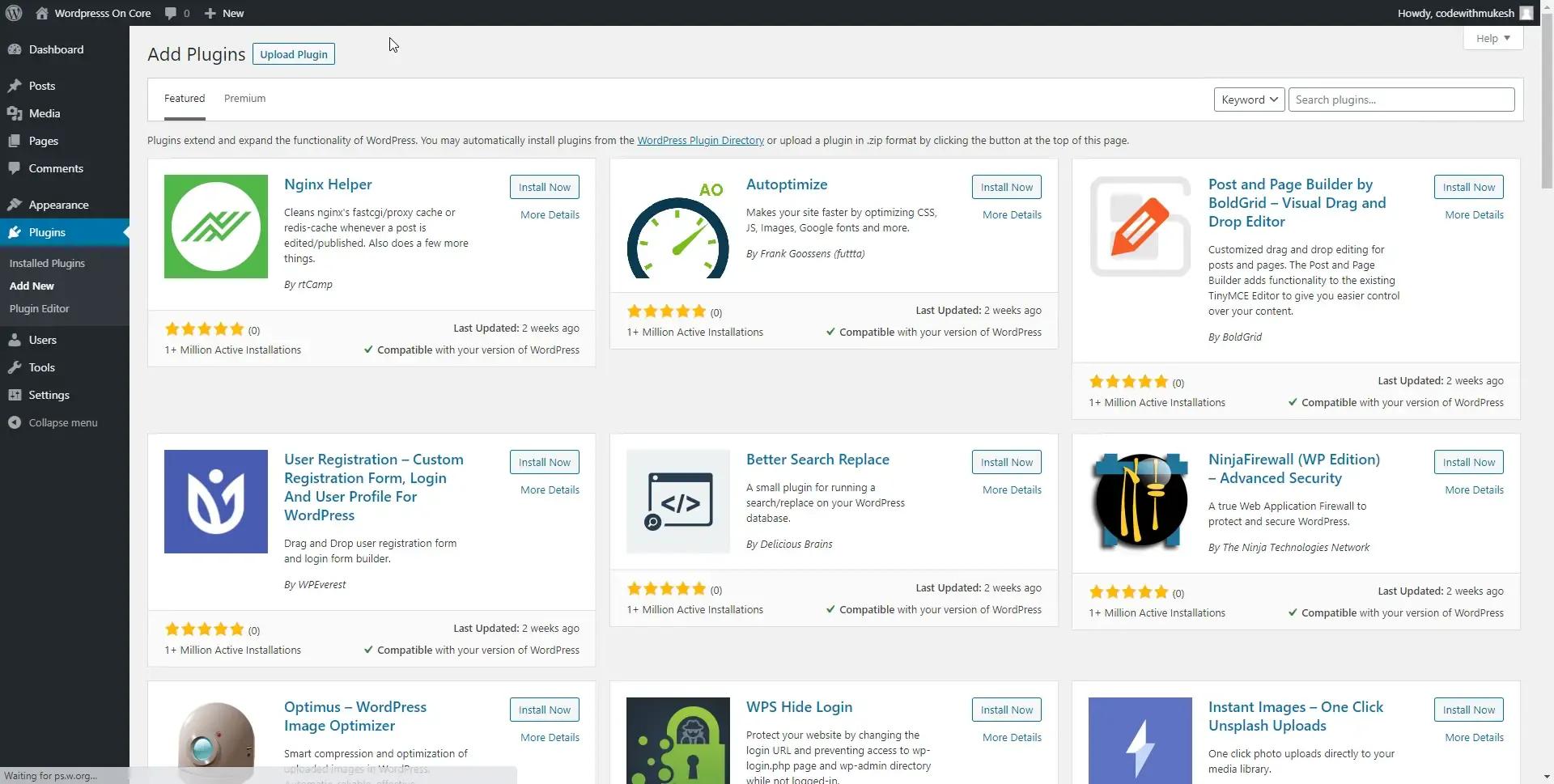
Why must-have WordPress plugins for beginners matter more than themes
A theme controls appearance. Plugins control functionality.
That’s where beginners often get it wrong: they overload themes with features that should be handled by plugins, or worse, install random plugins without understanding their impact.
A good plugin stack helps you:
- Improve site speed without coding
- Protect your site from attacks
- Rank better on Google with proper SEO structure
- Avoid downtime with backups
- Build forms, pages, and features easily
For reference, WordPress itself maintains a large repository of plugins here:
https://wordpress.org/plugins/
This is where you should always start before installing anything outside the ecosystem.
The core must-have WordPress plugins for beginners (no noise, only essentials)
This is the foundation stack I recommend for almost every new site.
1. SEO plugin (Rank Math or Yoast)
SEO is not optional.
A beginner-friendly SEO plugin helps you:
- Optimize titles and meta descriptions
- Generate XML sitemaps
- Control indexing
- Improve on-page SEO structure
Internal link suggestion: /wordpress-seo-guide
Without this, you are publishing content that search engines struggle to understand.
2. Security plugin (Wordfence or iThemes Security)
New WordPress sites are frequent targets for bots.
A security plugin helps with:

- Firewall protection
- Login attempt blocking
- Malware scanning
- Real-time alerts
Internal link suggestion: /wordpress-security-checklist
This is one of the most important must-have WordPress plugins for beginners because prevention is easier than recovery.
3. Caching plugin (LiteSpeed Cache or WP Rocket)
Speed directly affects SEO and conversions.
A caching plugin:
- Reduces server load
- Improves page load time
- Enables browser caching
- Optimizes CSS/JS delivery
If your site is slow, users leave before they even read your content.
4. Backup plugin (UpdraftPlus)
Mistakes happen. Updates break things.
A backup plugin ensures: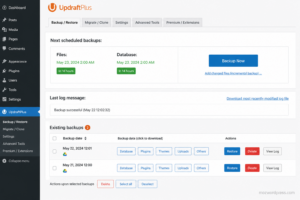
- Full site restoration
- Automated backups
- Cloud storage integration (Google Drive, Dropbox)
Internal link suggestion: /wordpress-backup-guide
This is your safety net.
5. Contact form plugin (WPForms or Contact Form 7)
Every site needs communication.
Use it for:
- Contact pages
- Lead generation
- Customer inquiries
Keep it simple. Avoid heavy form builders at the beginning.
Image optimization plugin (Smush or ShortPixel)
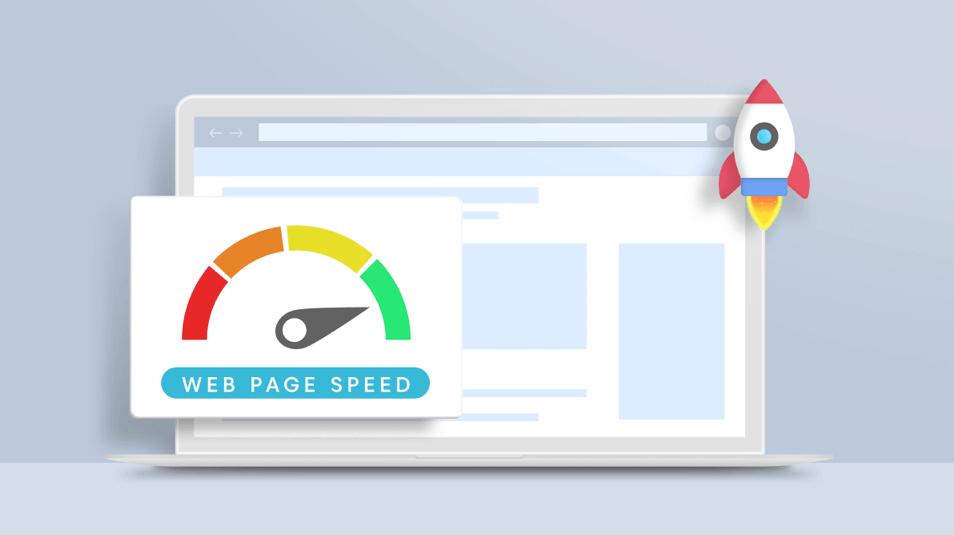
Unoptimized images are silent traffic killers.
Benefits:
- Faster loading pages
- Better Core Web Vitals
- Automatic compression
7. Page builder (Elementor or Gutenberg blocks)
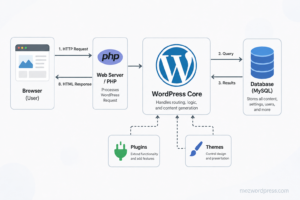
This defines how you build pages.
- Elementor: visual drag-and-drop
- Gutenberg: native lightweight editor
Beginners should choose one and avoid mixing too many builders.
Choosing must-have WordPress plugins for beginners the right stack
This is where most beginners fail: installing plugins without strategy.
A clean beginner stack should follow this logic:
- 1 SEO plugin only
- 1 security plugin only
- 1 caching plugin only
- 1 backup plugin only
- Minimal extras
More plugins do not mean better performance. In many real cases, it creates:
- Conflicts
- Slow admin dashboard
- Database overload
- Broken layouts after updates
A lean setup always wins in the long term.
Performance strategy behind must-have WordPress plugins for beginners
Plugins are not just tools. They directly affect your hosting and scalability.
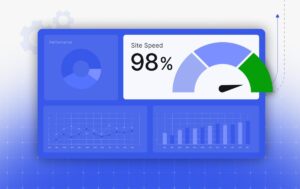
A beginner-friendly performance setup should prioritize:
- Lightweight plugins over feature-heavy suites
- Fewer external scripts
- Optimized images before upload
- Caching before design effects
Think of WordPress like a system. Every plugin adds “weight.” The goal is controlled functionality, not maximum installation.
If you combine caching + image optimization + clean SEO structure, you already outperform most beginner sites.
Common mistakes when installing must-have WordPress plugins for beginners
Here’s where real sites start to break:
Installing multiple plugins for the same function
Example:
- 2 SEO plugins
- 2 caching plugins
This causes conflicts and unpredictable behavior.
Ignoring plugin updates
Old plugins are security risks.
Installing plugins from unknown sources
Always verify reputation and active installations.
Overloading with “feature packs”
Many all-in-one plugins slow down the site more than they help.

Practical recommended setup (real-world stack)
A stable beginner stack could look like:
- Rank Math (SEO)
- Wordfence (Security)
- LiteSpeed Cache (Speed)
- UpdraftPlus (Backups)
- WPForms (Forms)
- Smush (Images)
- Elementor (Design)
This setup covers 95% of beginner needs without complexity.
A WordPress site does not become strong by installing more plugins. It becomes strong by installing the right plugins, configured correctly, with clear purpose.
The real difference between a slow beginner site and a professional-level setup is not budget or complexity. It’s discipline in plugin selection.
If you treat plugins like infrastructure instead of decoration, your site scales faster, loads better, and becomes far easier to manage over time.

